In web-based applications and in the development of custom software in general, creating the software architecture is a time-consuming process. Those who have a ready-made software infrastructure have a significant advantage — provided it is an up-to-date infrastructure.
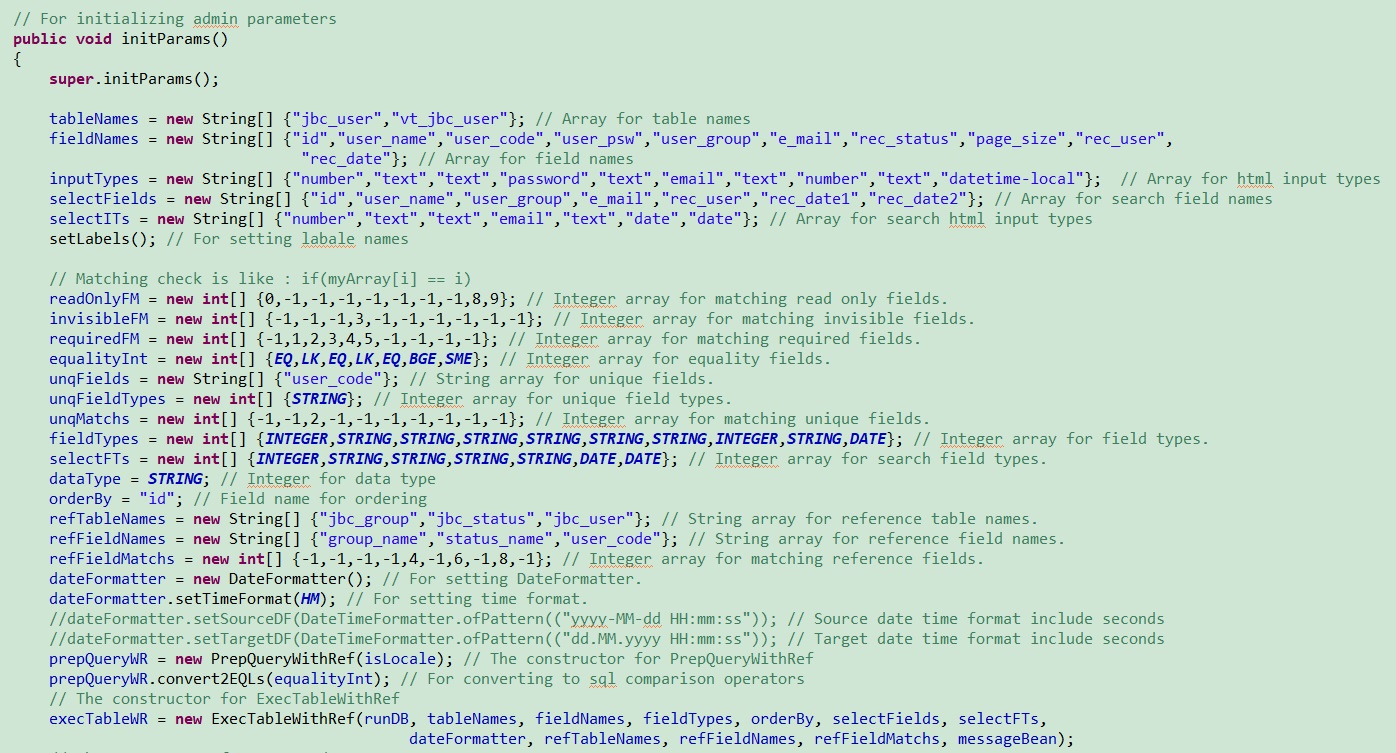
Select, Insert, Update, Delete — SQL DML commands constitute a significant part of coding. A library that automatically generates these DML codes greatly simplifies things. (sdbapi library)
SELECT Operation in JSP

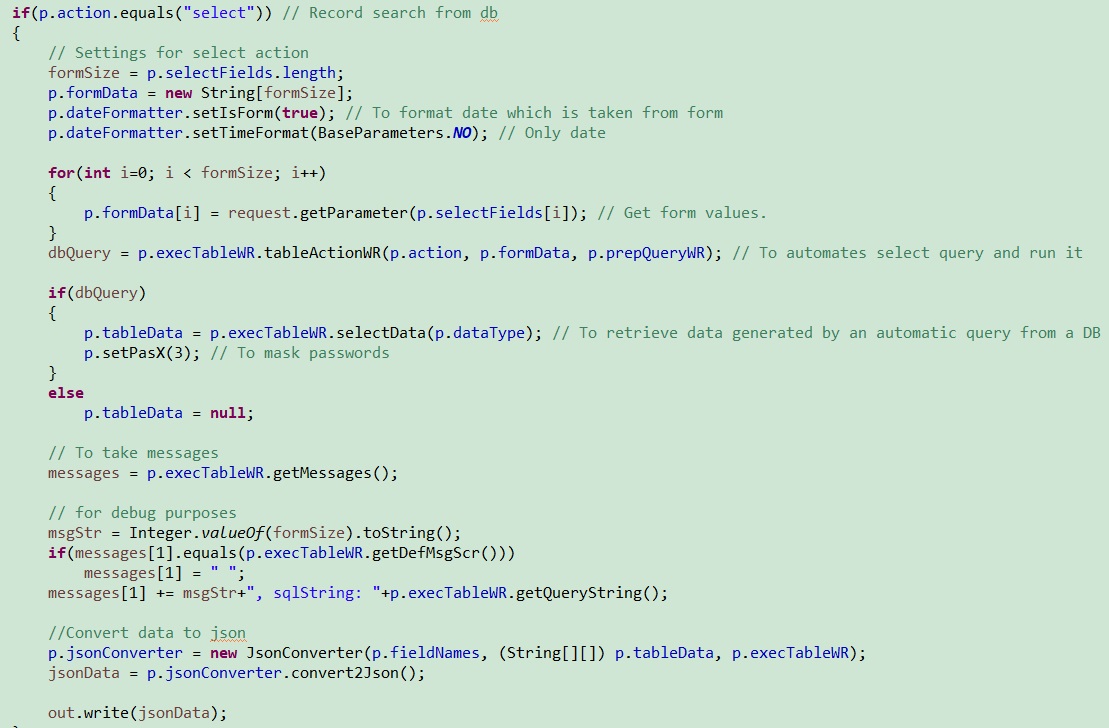
The one who performs the select operation in a JSP code The code snippet is shown above.
Form Structure
In JSP code, our forms in HTML page design can be as follows:
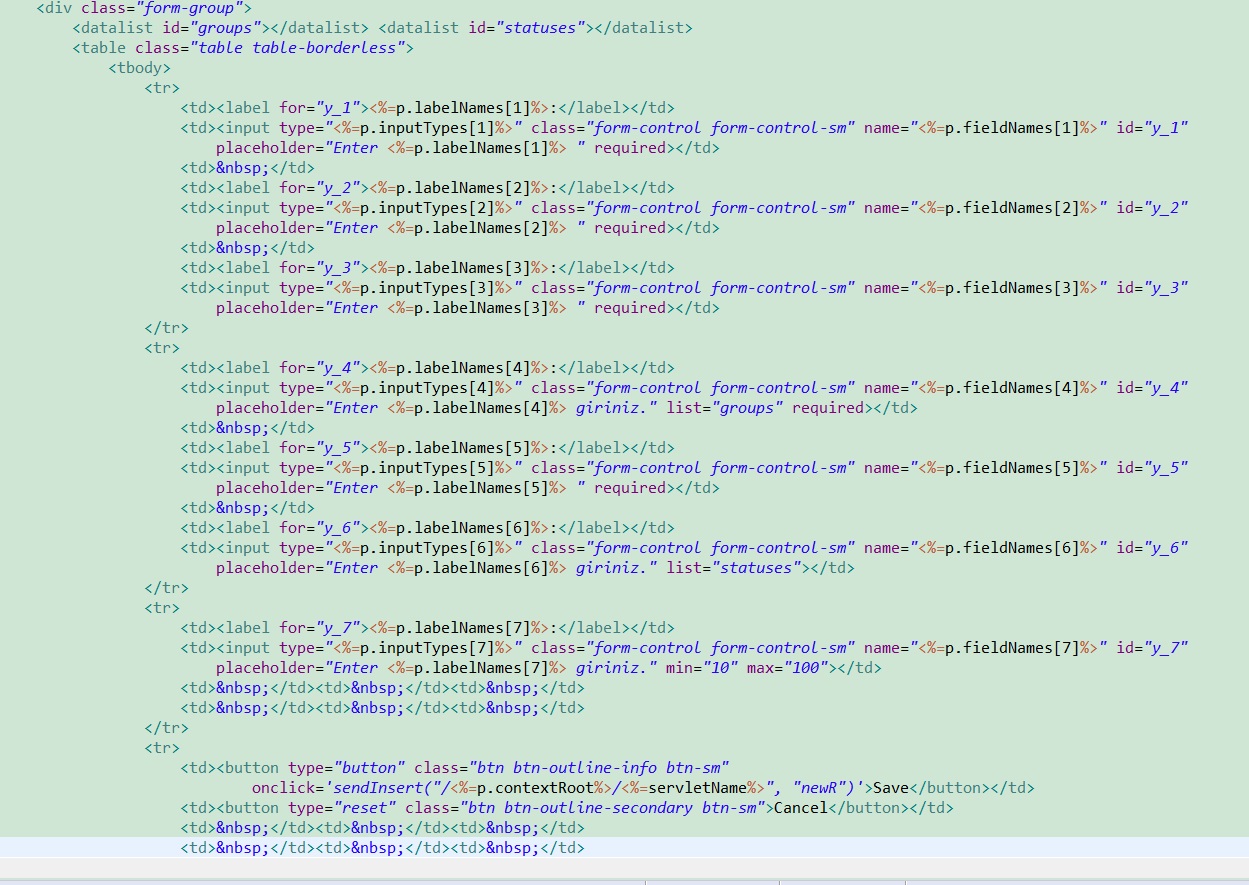
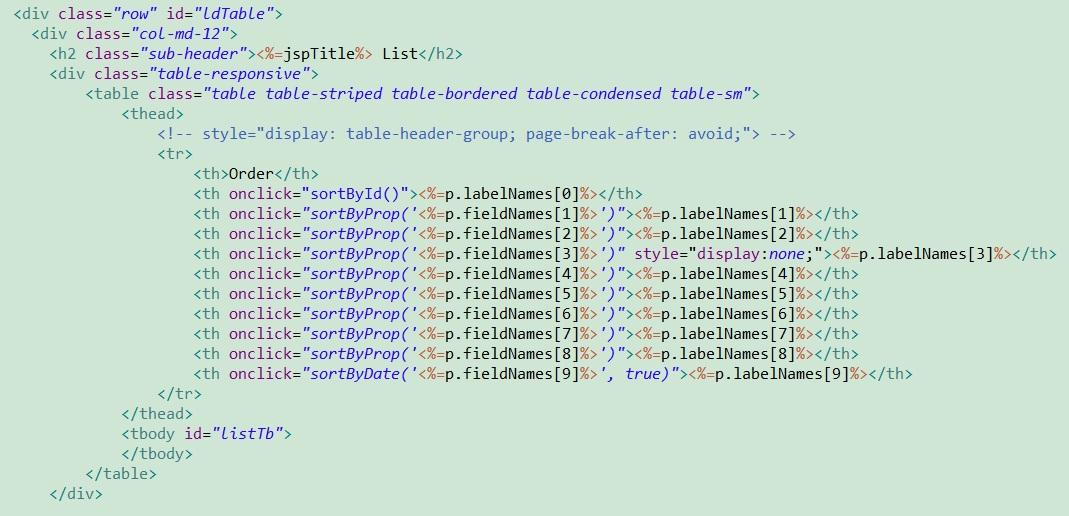
Table Structure
Our page will also include a table section.
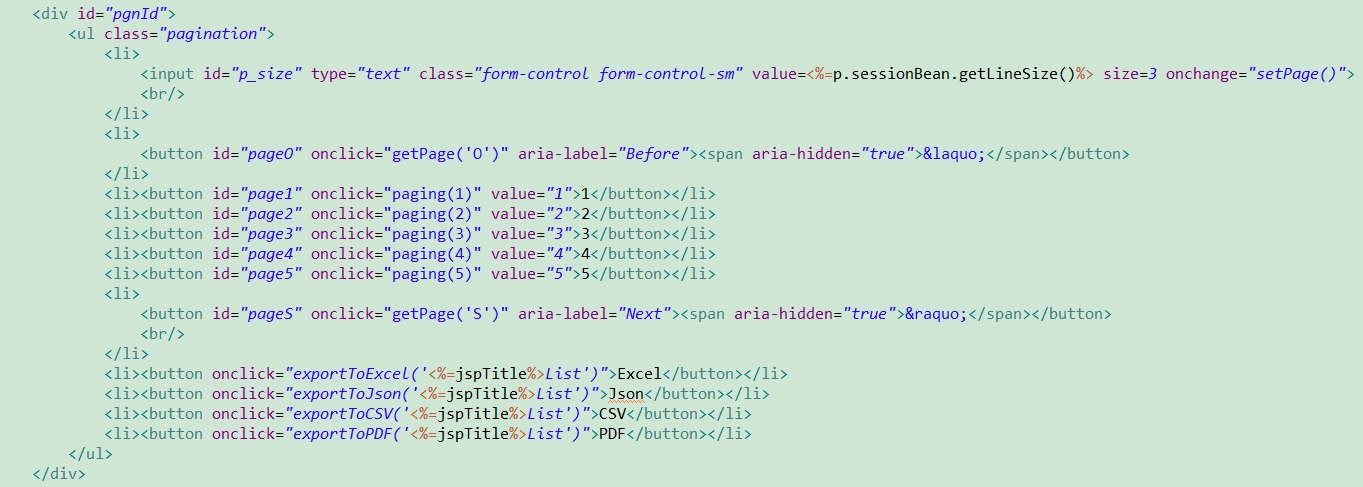
Pagination and Output Buttons
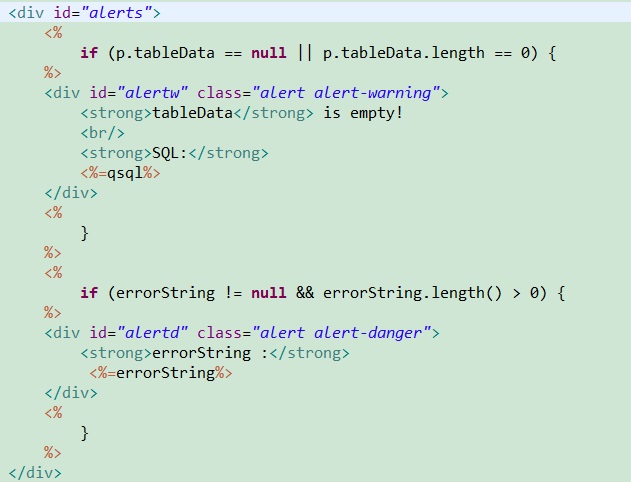
Alarm Structure
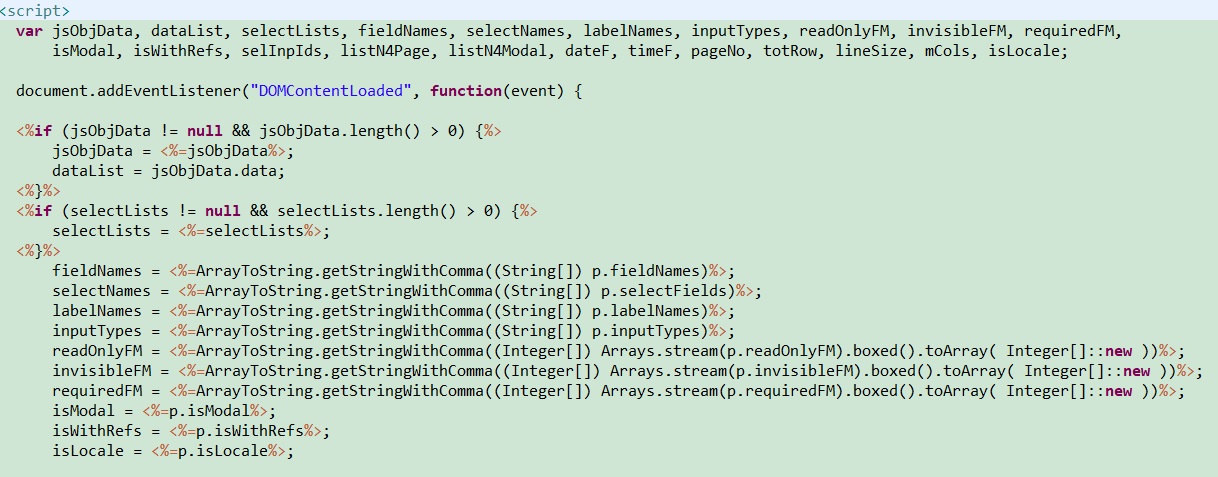
JavaScript Initial Variables
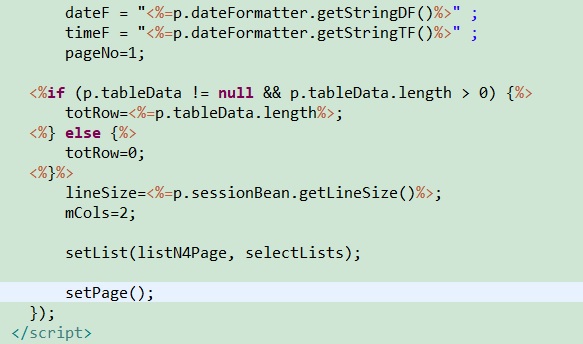
JavaScript initial variables and value assignment are done on the JSP page.
HTML Table Data Settings
Modal Form Settings
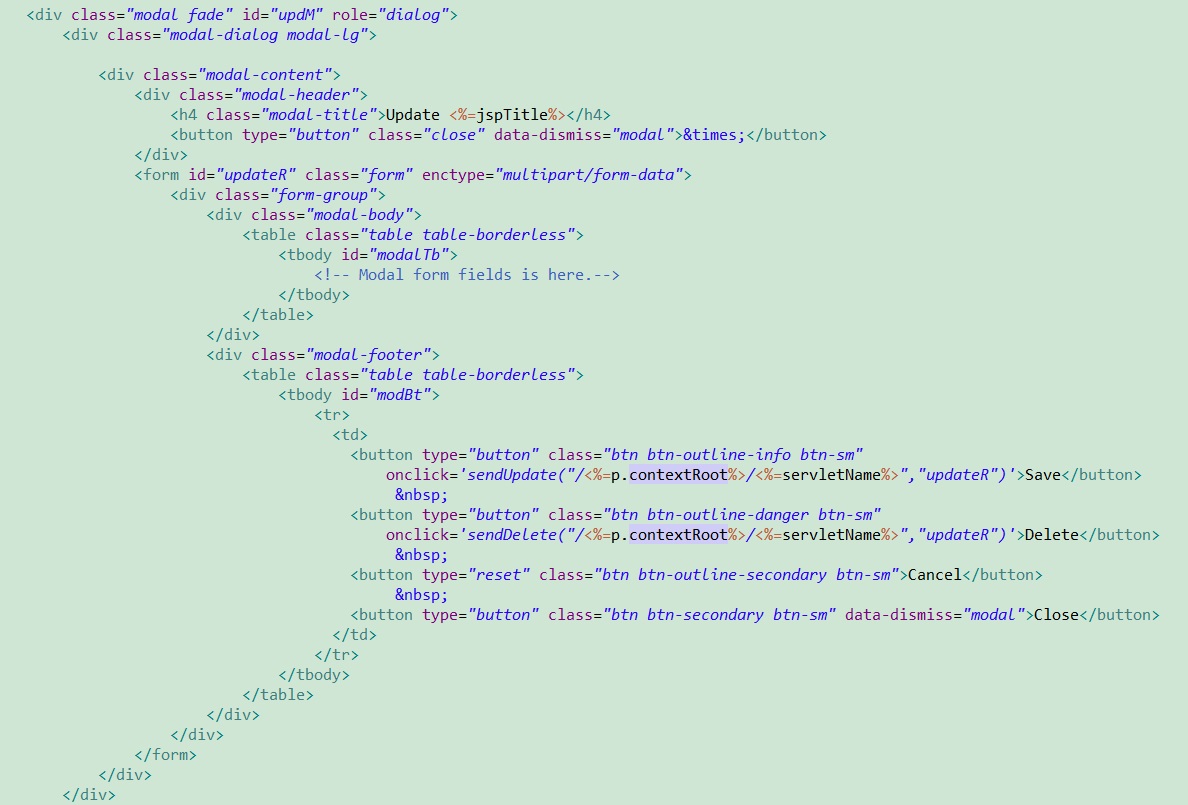
jbca.js — JavaScript Functions
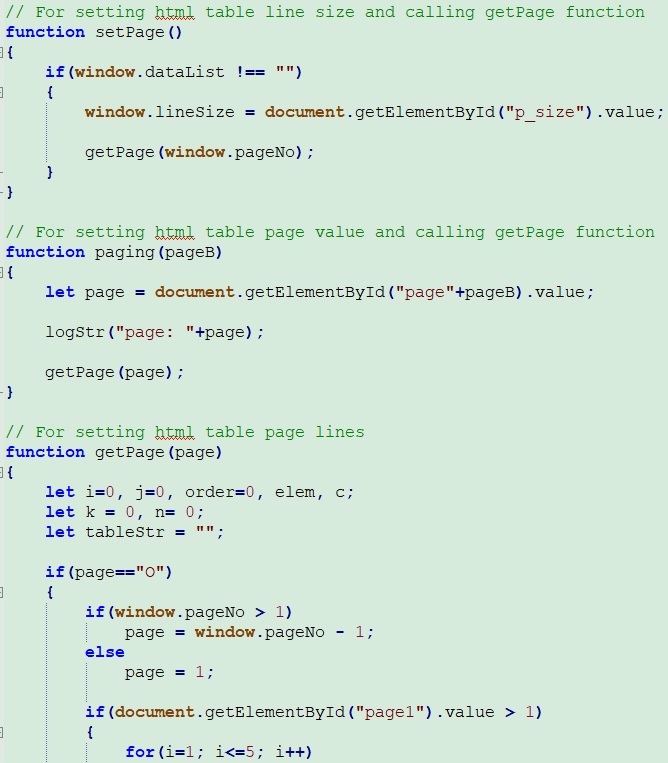
HTML table pagination settings:
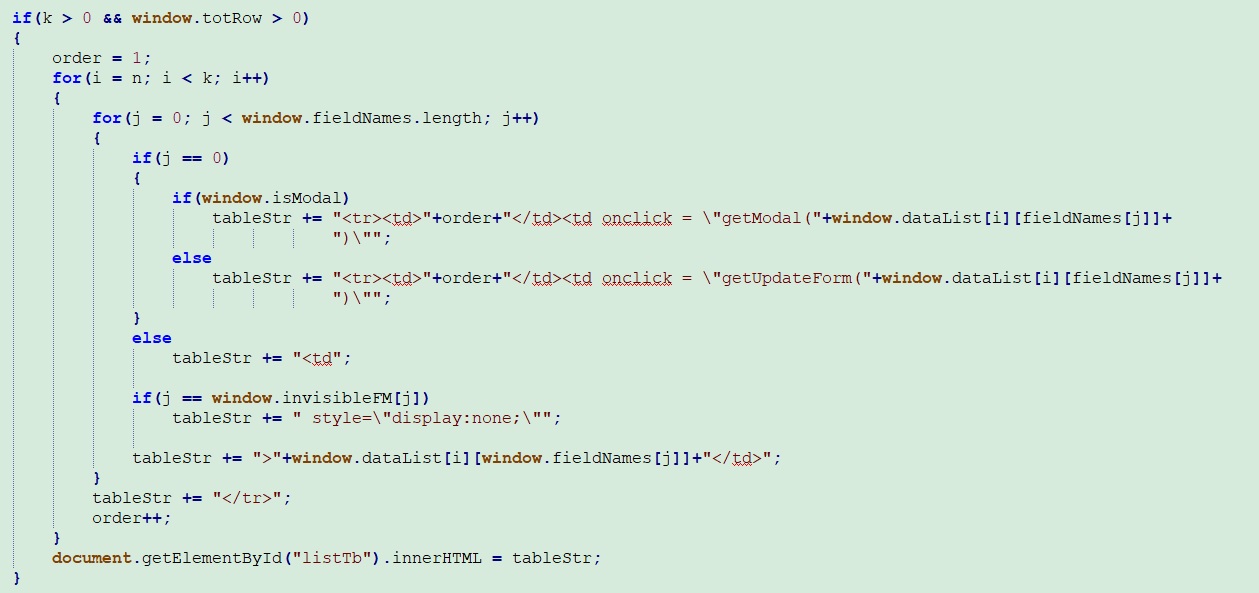
Creating HTML table rows:
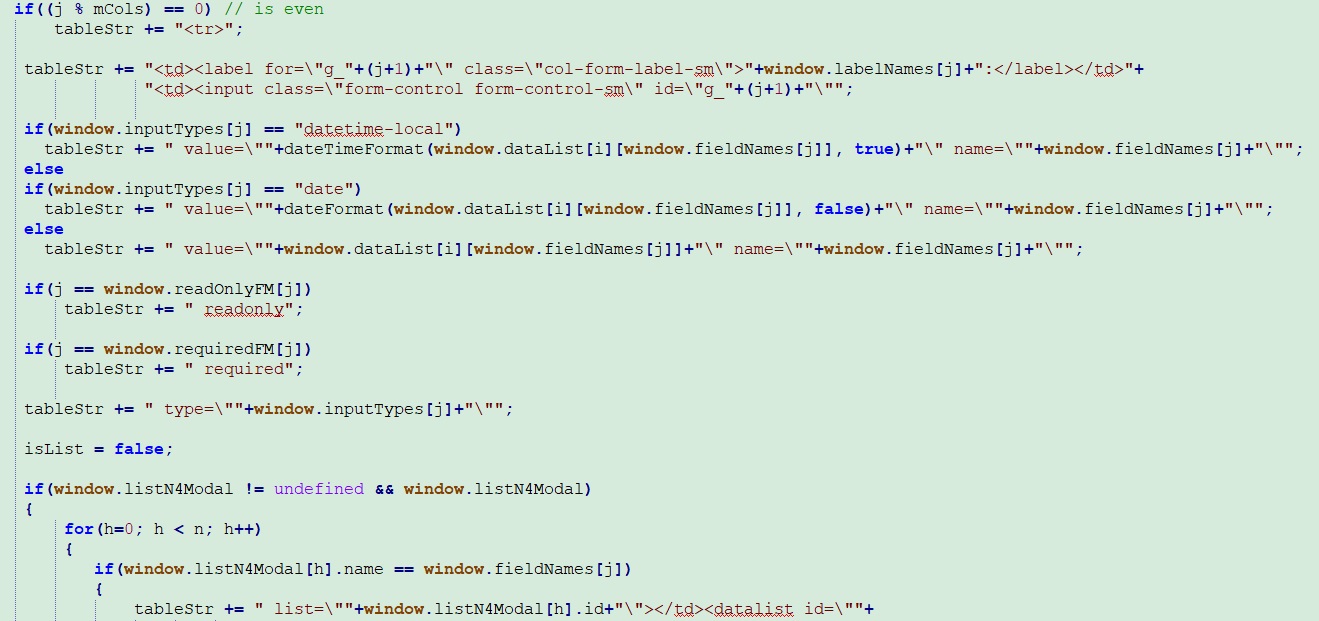
A snippet from modal form creation:
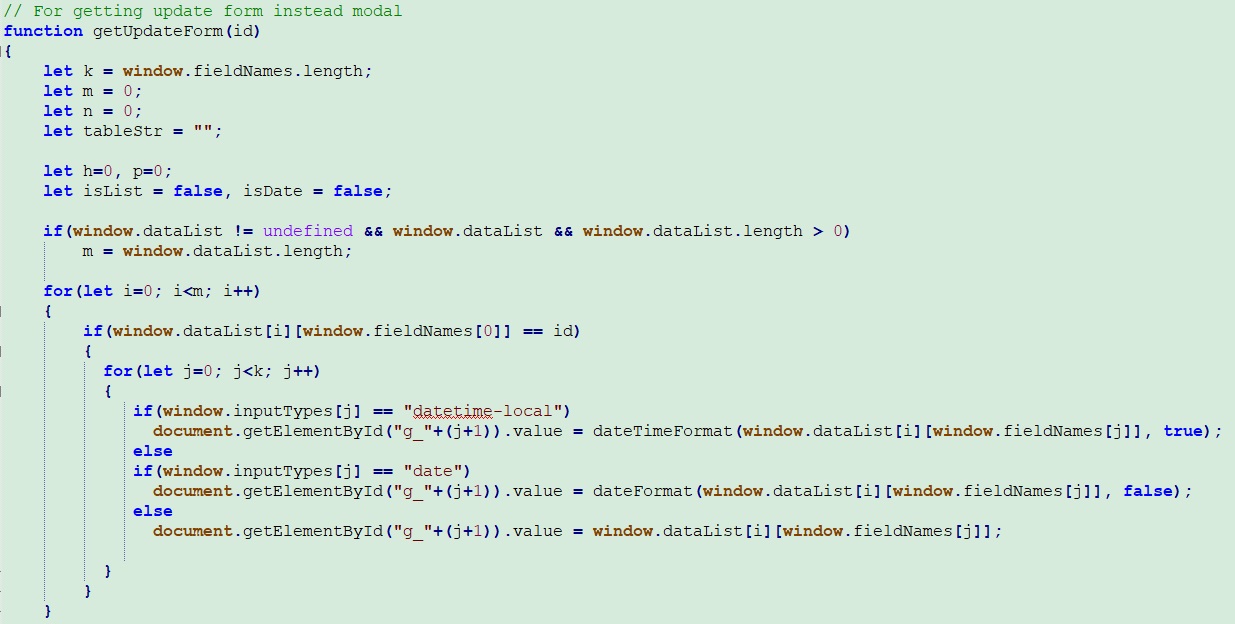
Update form — an alternative solution to the modal page:
Data Transfer with Ajax
The section where search parameters are sent to the Servlet via Ajax, JSON data is parsed, and a table is created:
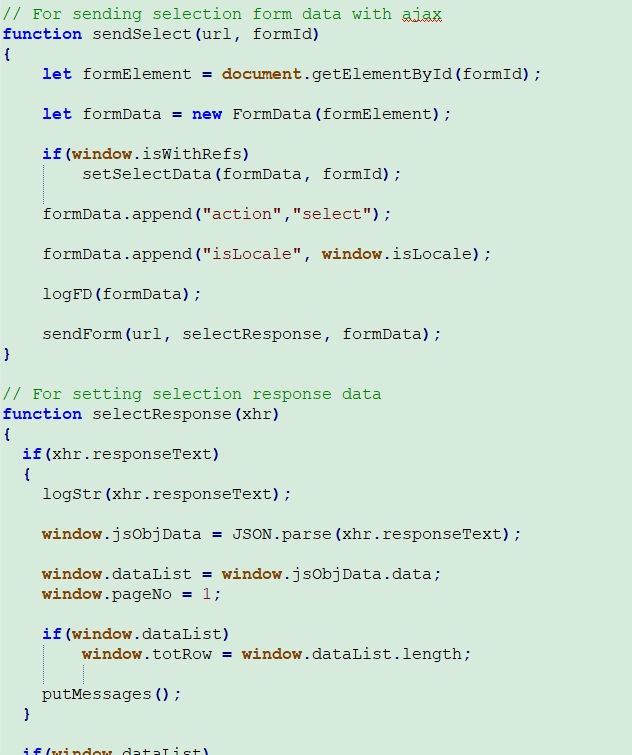
Similar Ajax scripts are also available for adding, updating, and deleting records.
File Download
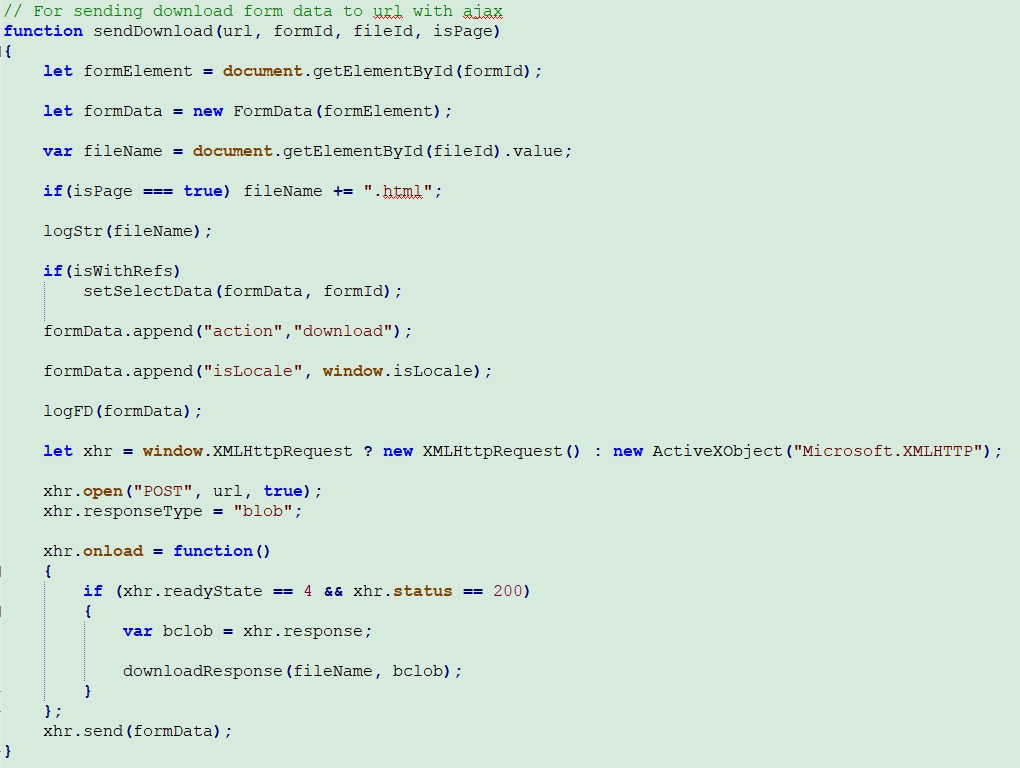
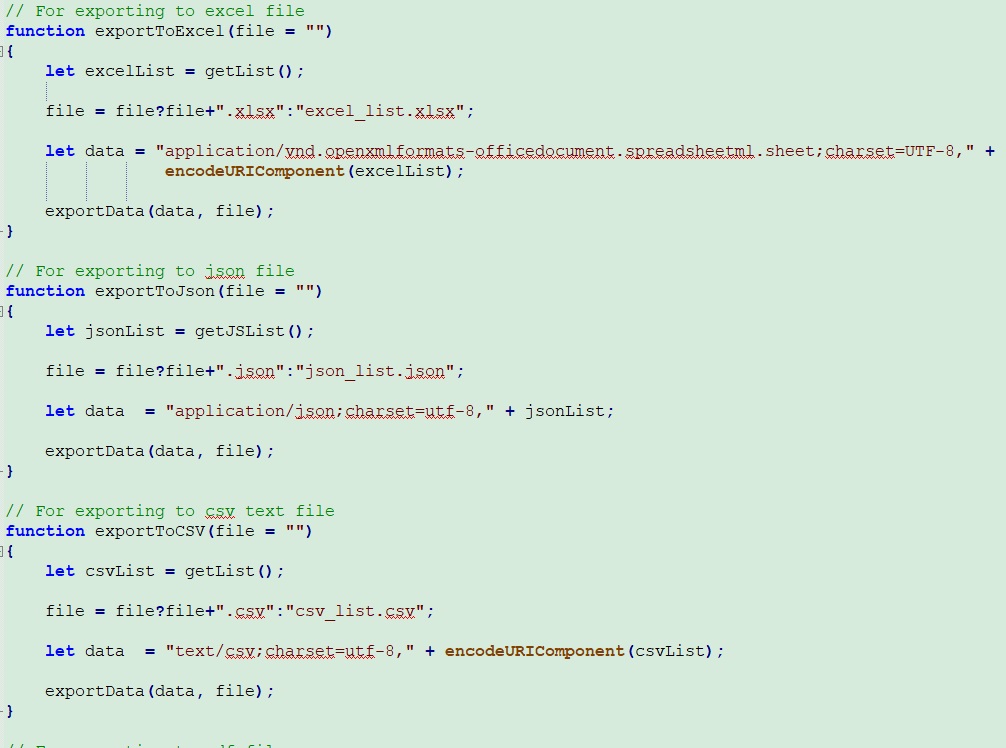
Excel / CSV / JSON / PDF Output
It is possible to export data from the HTML table as Excel, CSV, JSON and PDF. Preparing Lists:
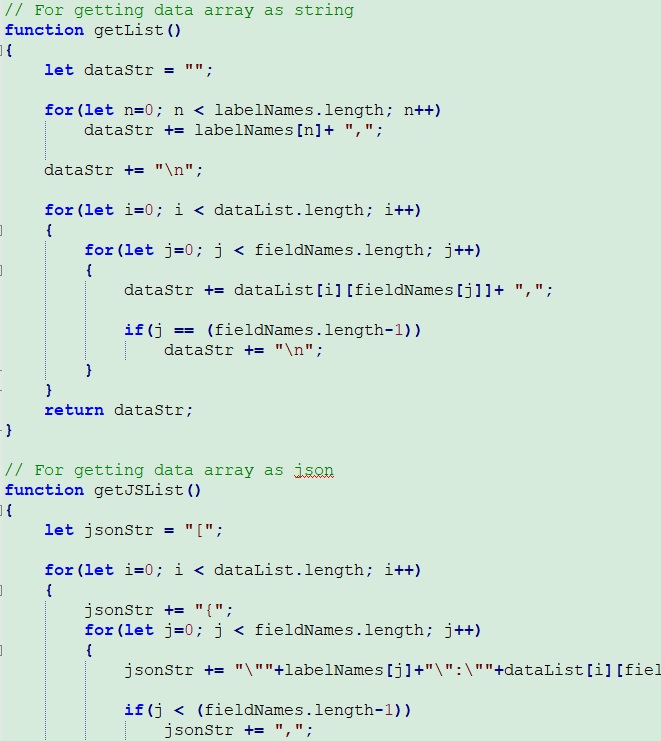
File Transfers:
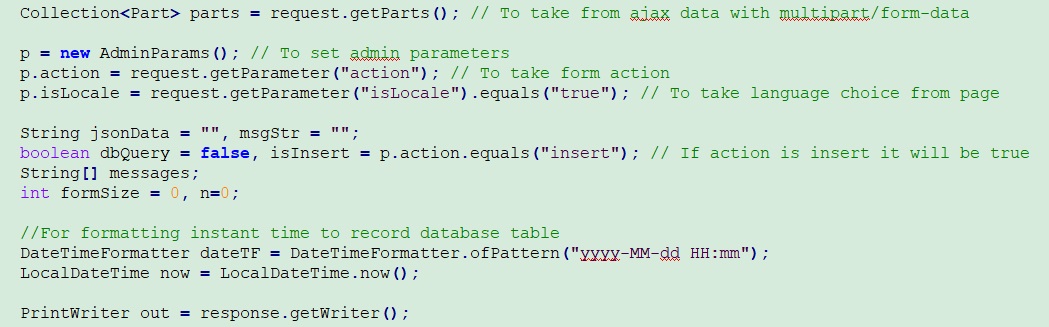
Servlet Side
Getting Ajax data on the Servlet side:
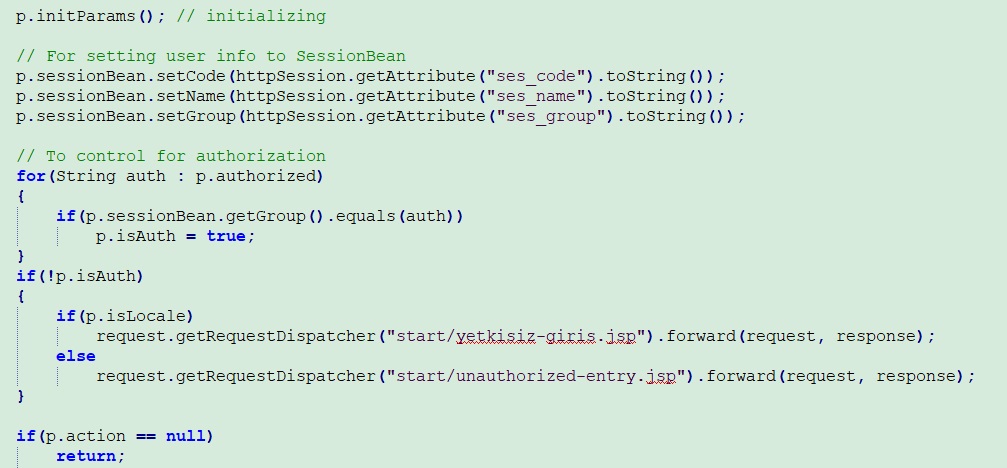
Setting initial data and authorization control:
Search operations and Ajax return with JSON:
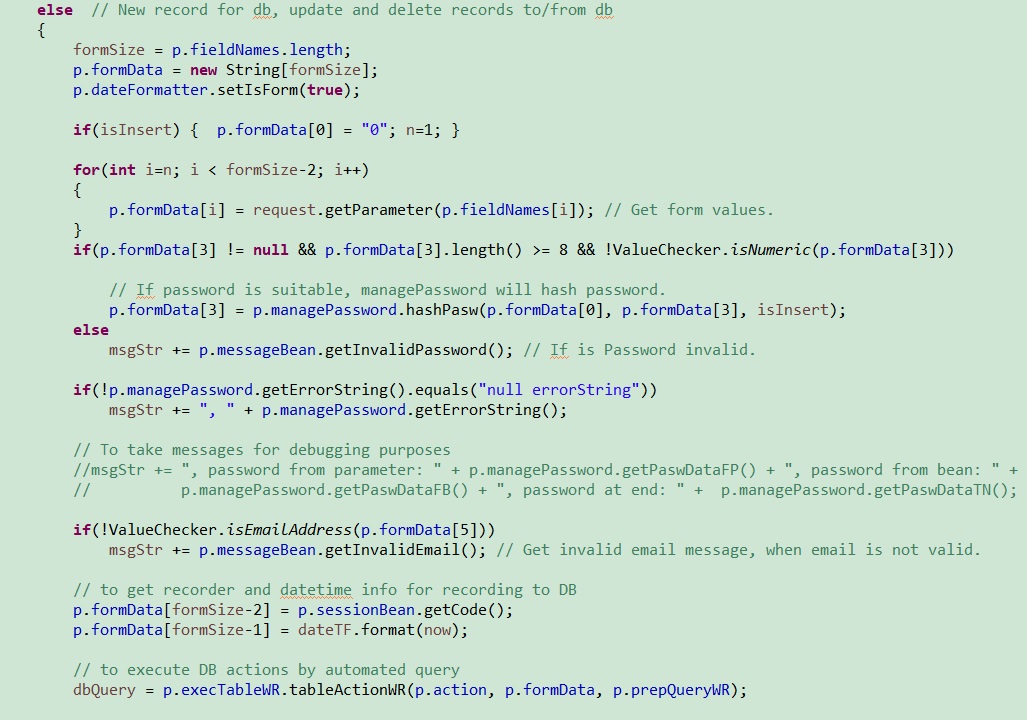
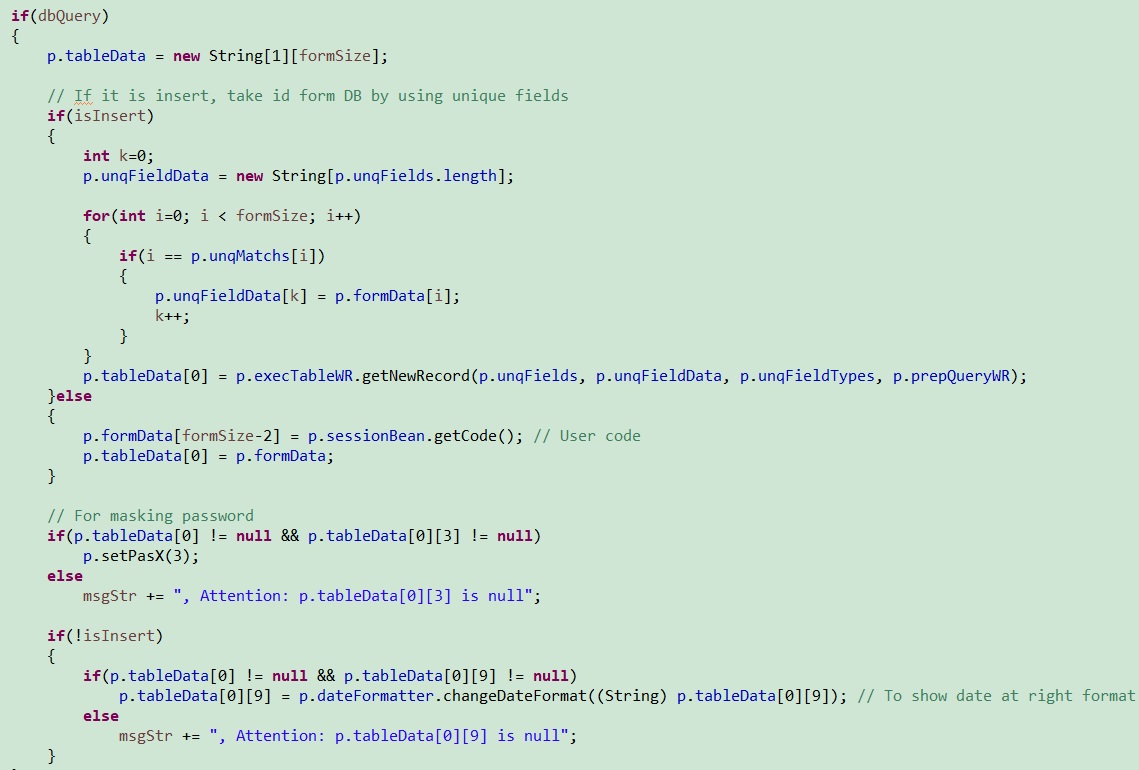
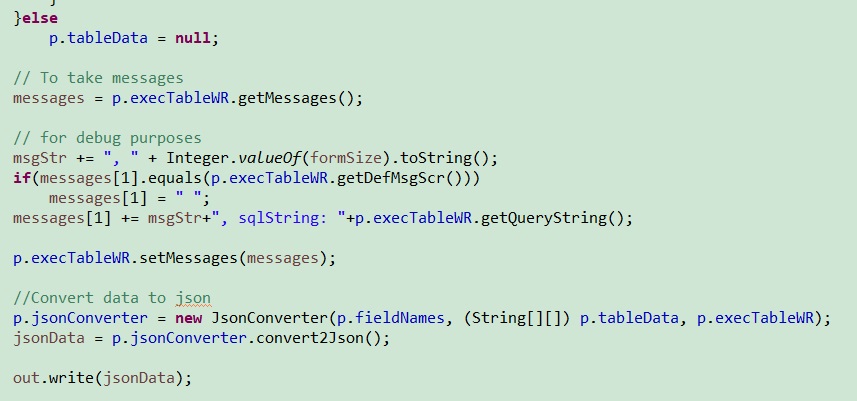
Entering, updating and deleting records:
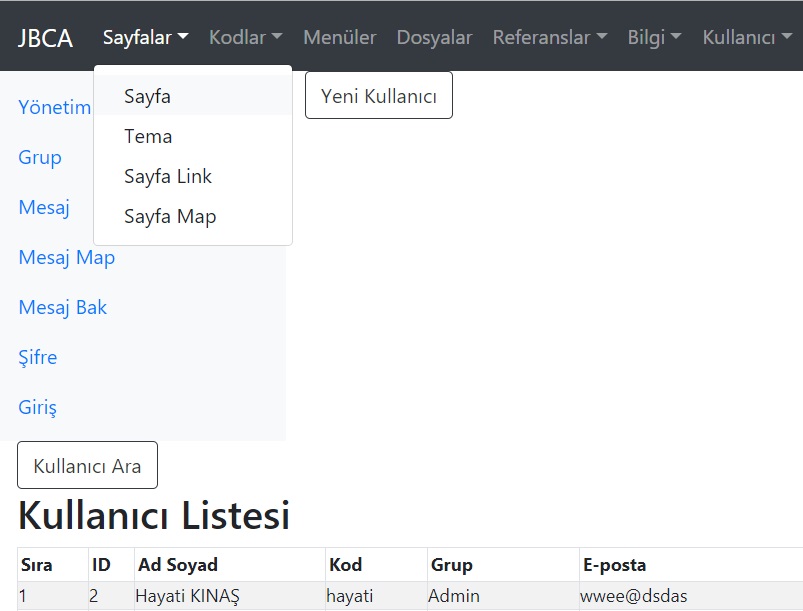
Application Interface
A snippet from the application menus:
HTML5 mandatory field control when entering new data:

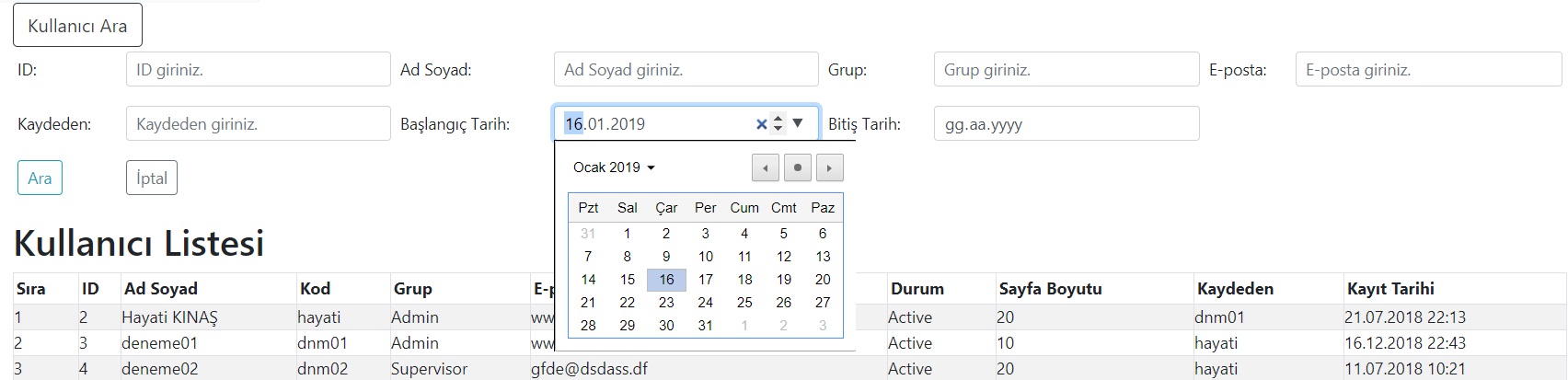
HTML5 date selection feature:
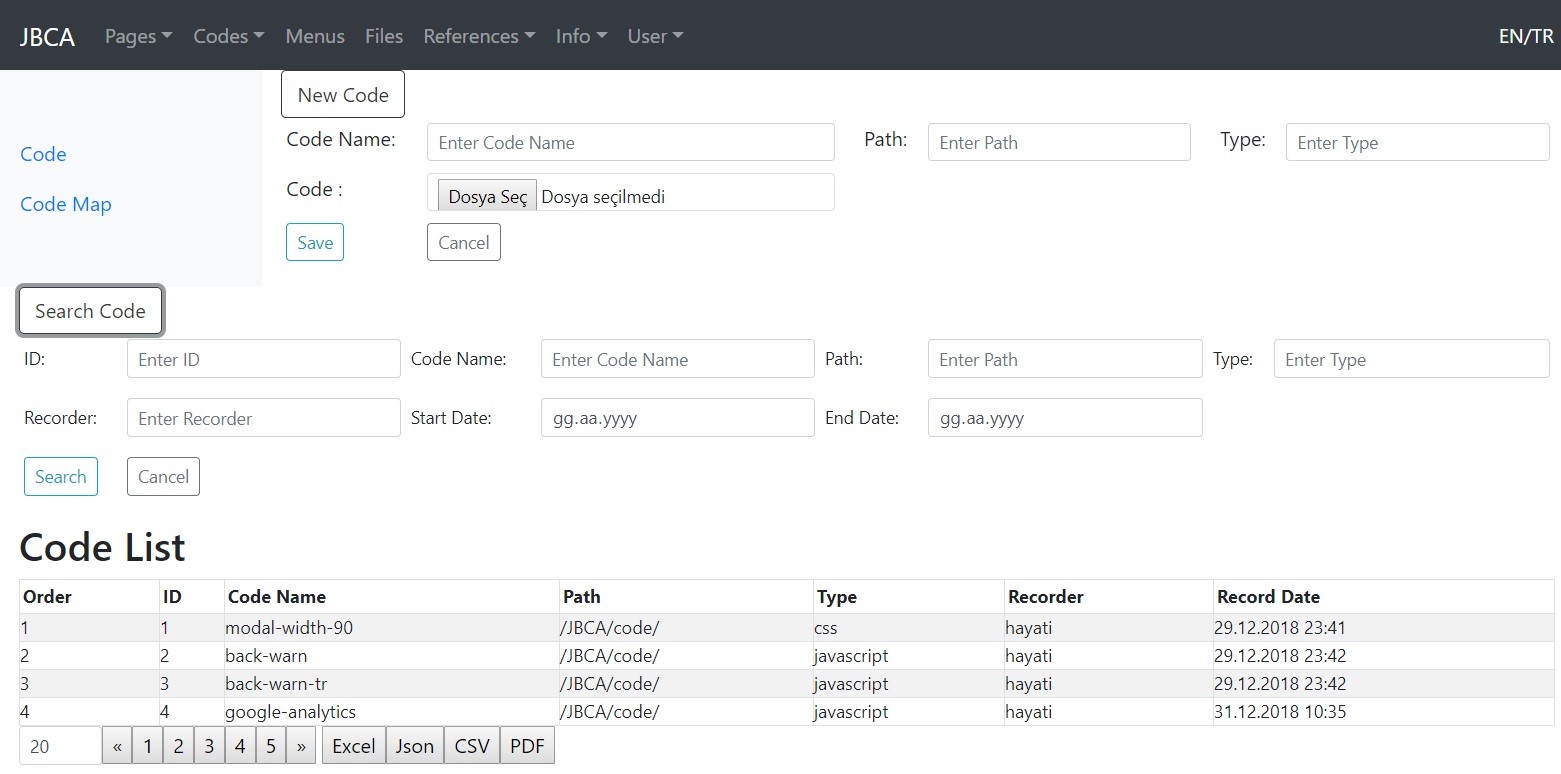
Code Collective representation of the form in English:
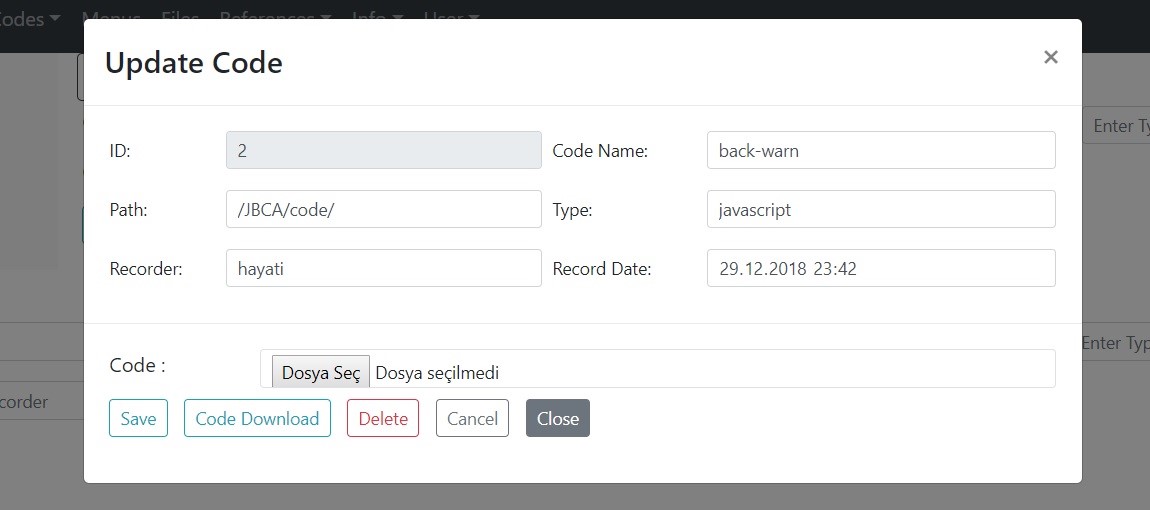
Modal view of the Code form:
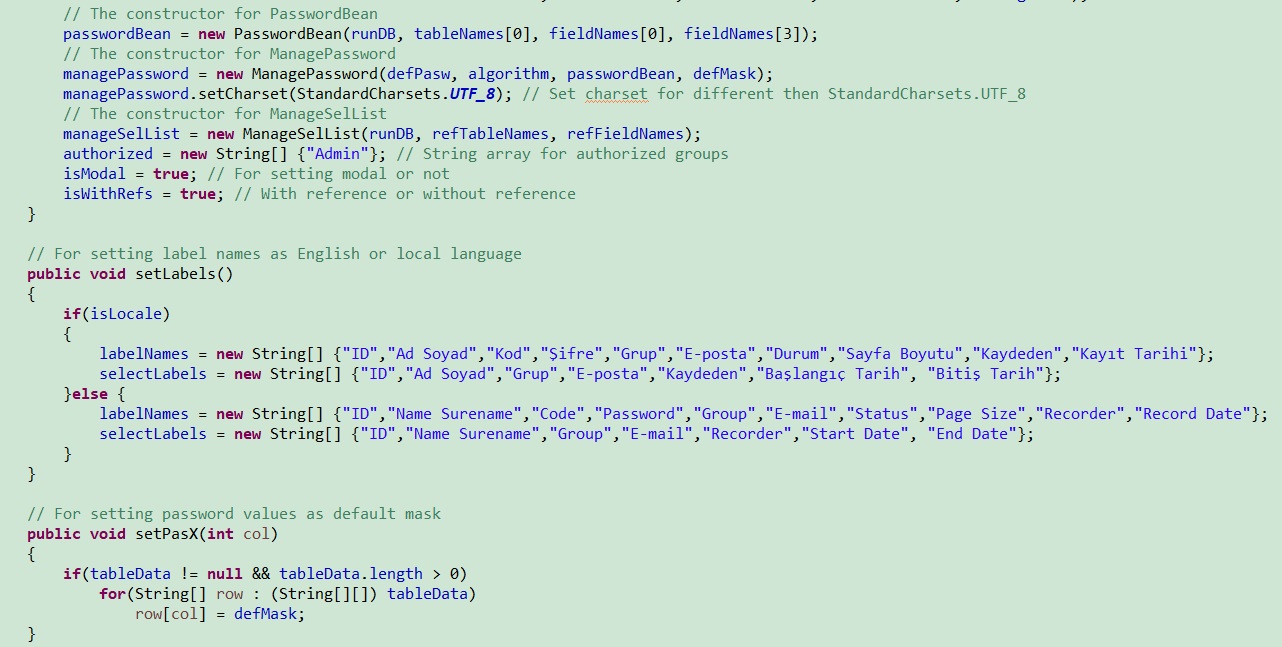
Form Parameter Definitions
First of all, the parameters for the form need to be determined: